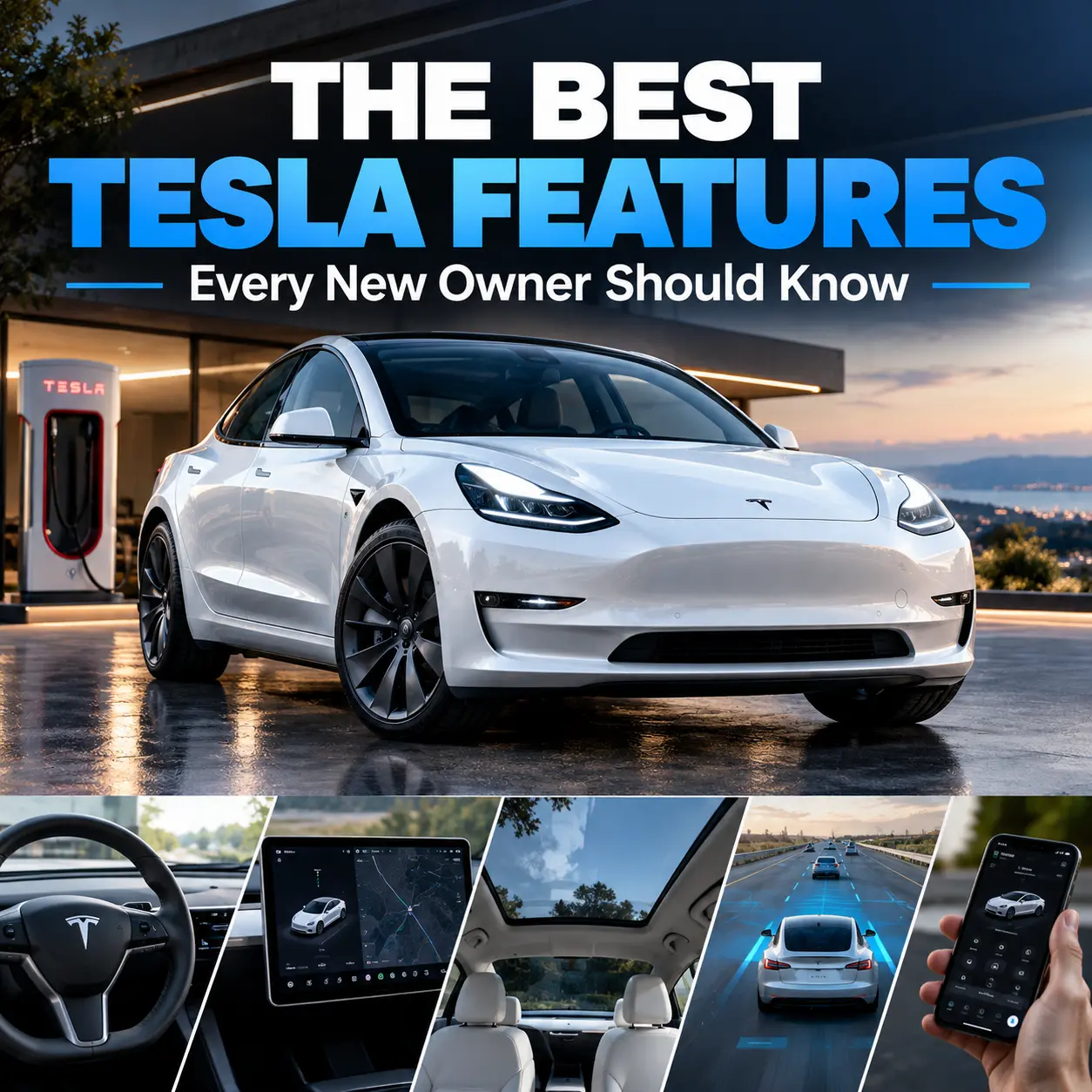
Best Tesla Features: 15 Things Every New Owner Should Know
Taking delivery of your first Tesla can feel a little different from buying a traditional car. Instead of learning dozens of physical buttons and switches, you quickly discover that much of the experience happens through a touchscreen, smartphone app, software updates, and connected services.
That can be exciting—but it can also be overwhelming.
If you are a new Tesla owner, you probably want to know which features are genuinely useful rather than spending hours exploring every menu. From phone-key access and Supercharging to Sentry Mode and regenerative braking, the best Tesla features can make your daily driving easier, safer, and more convenient.
Here are the features you should learn first.
What Makes Tesla Features Different?
Tesla approaches vehicle technology differently from many traditional automakers. Your car is closely connected to software, allowing certain features and improvements to change through over-the-air updates.
Tesla says its vehicles regularly receive software updates that can add features and improve existing functionality. Updates can be checked and scheduled through the touchscreen or Tesla app.
That means your Tesla may gain capabilities after you buy it, although available features can vary by model, hardware, software version, subscription, and region.
The Best Tesla Features Every New Owner Should Know
| Tesla Feature | Main Benefit |
|---|---|
| Tesla Mobile App | Remote vehicle control |
| Phone Key | Keyless access |
| Over-the-Air Updates | New software and improvements |
| Supercharging | Convenient fast charging |
| Trip Planner | Easier long-distance travel |
| Sentry Mode | Vehicle monitoring |
| Dashcam | Driving and security recordings |
| Regenerative Braking | Energy recovery |
| Dog Mode | Pet-friendly climate control |
| Camp Mode | Comfortable vehicle camping |
| Driver Profiles | Personalized settings |
| Driver Assistance | Reduced driving workload |
| Entertainment | Convenient parked-car entertainment |
Tesla Mobile App: One of the Best Tesla Features for Daily Use
The Tesla mobile app is one of the first things you should set up after receiving your vehicle.
Depending on your model and region, the app can give you access to vehicle controls and information without sitting inside the car.
You can use it for tasks such as:
- Checking charging status
- Monitoring the vehicle
- Managing climate
- Locking or unlocking the vehicle
- Starting the vehicle remotely
- Accessing other supported vehicle controls
The app also works with Tesla’s phone-key system on supported vehicles.
Phone Key Makes Traditional Keys Feel Outdated
One of the most convenient Tesla features is using your smartphone as a vehicle key.
Tesla says that in most of its vehicles, your phone can serve as the primary key through Bluetooth. You can set it up through the Tesla app while standing near the vehicle.
Once configured, you can approach the car with your phone and use it without repeatedly taking out a traditional key.
However, you should still keep your backup key card accessible. If your phone battery dies or the phone-key connection fails, having a backup gives you another way to access the vehicle.
Over-the-Air Software Updates
Tesla’s software-update system is one of the features that most clearly separates the ownership experience from traditional cars.
Instead of requiring a dealership visit for every software improvement, Tesla can deliver updates remotely over Wi-Fi. Tesla notes that updates can introduce new features and improve existing ones.
You can generally:
- Check for an available update.
- Review when it will install.
- Schedule the installation.
- Allow the vehicle to update while parked.
Not every Tesla receives the same update at the same time, so your vehicle’s software version matters.
Supercharging and Smart EV Charging
For many owners, charging is the most important part of Tesla ownership.
Tesla’s charging ecosystem is designed to make road trips easier, while home charging can handle much of your everyday energy needs.
Your Tesla can integrate charging into its navigation system, helping you plan trips around charging stops.
Home Charging vs. Road Charging
For everyday driving, home charging can be extremely convenient because you can plug in when your vehicle is parked.
For longer trips, fast charging becomes more important.
The key is to develop a charging routine that fits your driving rather than treating every trip like a road trip.
Tesla Navigation and Trip Planner
Tesla’s built-in navigation does more than show you where to turn.
On supported vehicles and in applicable regions, Trip Planner can include charging stops when planning a route. Tesla’s Model 3 manual also explains that the system can estimate energy use and predicted battery level at your destination.
This is particularly useful when you’re traveling somewhere unfamiliar.
Your Tesla can also precondition its battery when navigating to a Supercharger or qualifying fast charger, helping prepare the battery for charging.
Sentry Mode and Dashcam
If you want additional visibility around your vehicle, Sentry Mode is one of the best Tesla features to understand.
Tesla describes Sentry Mode as a system that monitors activity around your parked and locked vehicle. When suspicious motion is detected, the vehicle can record footage and, depending on the event, trigger an alarm and send an alert through the Tesla app.
Dashcam functionality can also let you record footage while driving.
These features can be useful if you are involved in an incident or want additional awareness of what happens around your parked vehicle.
Remember that camera use is subject to local laws and regulations.
Regenerative Braking and One-Pedal Driving
Regenerative braking is another feature that may feel unusual when you first drive a Tesla.
When you lift your foot from the accelerator, the electric motor can slow the vehicle while sending some energy back toward the battery. Tesla explains that anticipating stops and easing off the accelerator can make use of regenerative braking and potentially improve driving range.
The behavior can change depending on battery temperature and charge level. Regenerative braking may be limited when the battery is cold or fully charged.
Give yourself some time to adjust. Smooth accelerator control makes the experience much easier.
Dog Mode and Camp Mode
Tesla also includes features designed around specific situations.
Dog Mode can help you maintain cabin conditions for your pet while you’re away from the vehicle, where supported.
Camp Mode can be useful when you want to remain in the vehicle for an extended period, such as during a camping trip or overnight stop.
These features are especially useful because climate control can be managed differently from the normal driving experience.
Driver Profiles Make Sharing Easier
If more than one person uses your Tesla, driver profiles can save you from constantly readjusting settings.
Depending on your vehicle, profiles can remember personalized preferences such as:
- Seat position
- Mirror settings
- Steering preferences
- Climate preferences
- Other driver-specific settings
This is a small feature, but it can make everyday use much more convenient.
Tesla Driver-Assistance Features
Tesla’s driver-assistance technology can reduce the workload during certain driving situations, but you should understand its limitations.
Features and names vary by model, market, hardware, and software version. Tesla’s current manuals emphasize that systems such as Autosteer require the driver to remain attentive and ready to take control.
You should therefore treat driver assistance as assistance—not as permission to stop paying attention.
Entertainment Features
Depending on your model and software version, your Tesla may include entertainment options such as music, video, games, and other connected features.
These can make charging stops more enjoyable, particularly when you’re parked at a Supercharger.
The important rule is simple: use distracting entertainment functions only when appropriate and never interact with them while driving.
Best Tesla Features to Set Up on Day One
When you first receive your Tesla, don’t try to learn everything simultaneously.
Start with this checklist:
- Install and sign into the Tesla app.
- Set up your phone key.
- Keep your backup key card somewhere safe.
- Create your driver profile.
- Learn the charging interface.
- Set your home and work locations.
- Explore navigation and Trip Planner.
- Review safety settings.
- Learn Sentry Mode and Dashcam.
- Check for software updates.
After that, explore the less essential features at your own pace.
Frequently Asked Questions About the Best Tesla Features
What are the best Tesla features for new owners?
The most useful features for most new owners include the Tesla mobile app, phone key, navigation, Supercharging integration, over-the-air updates, Sentry Mode, regenerative braking, and driver profiles.
What is the most useful Tesla feature?
It depends on how you use your car. For everyday driving, the mobile app and phone key can be extremely convenient. For road trips, navigation and integrated charging planning can be more valuable.
What are the best Tesla features for road trips?
Navigation, Trip Planner, Supercharging integration, battery preconditioning, the Tesla app, and driver-assistance features can make long-distance travel easier.
Does every Tesla have the same features?
No. Features can vary by Tesla model, model year, hardware, software version, market, and subscription. Always check your vehicle’s specific Owner’s Manual.
Can Tesla add new features after you buy it?
Yes. Tesla regularly distributes over-the-air software updates that can add features or improve existing functionality.
Conclusion: Make the Most of Your Tesla
The best Tesla features aren’t necessarily the flashy ones. Some of the most valuable features are the ones that quietly make your daily routine easier: unlocking the car with your phone, checking charging from the app, planning a route around charging stops, receiving software improvements, and monitoring your vehicle with Sentry Mode.
Your best approach as a new owner is to learn the essentials first. Set up your Tesla app and phone key, understand charging, explore navigation, configure your driver profile, and familiarize yourself with the safety systems.
Then keep exploring. Tesla’s software-driven approach means there may be more useful features waiting for you as your vehicle’s software evolves.
Just picked up your Tesla? Start today by setting up the app, learning your charging routine, checking your software version, and exploring the features you’ll use every day. The faster you understand your Tesla, the more you’ll get out of the ownership experience.